Desktop Mode
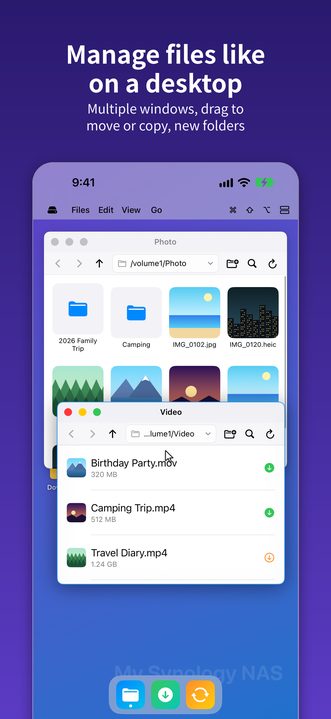
It opens on the desktop by default: multiple windows, a dock, and your own wallpaper (a solid color, a gradient or a picture). Drag files between windows to move or copy them, create new folders, and use an external display with your phone as the trackpad. Next time you open it, it remembers whether you were on the desktop or the list.
Copy and paste between sites
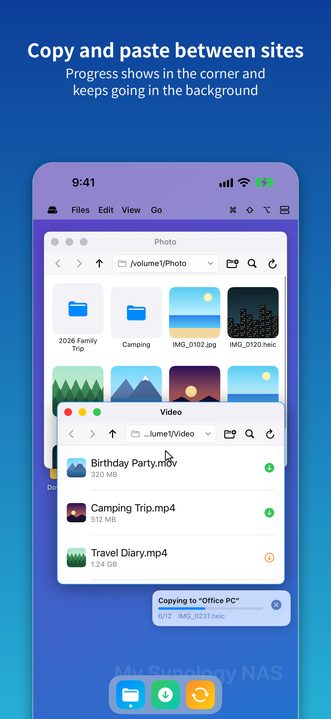
Copy or cut in one site and paste in another, in any mix of Synology, SMB, WebDAV, FTP, SFTP and iCloud Drive. You can also drag between desktop windows. A small progress bar in the bottom-right corner shows the transfer and can be cancelled any time. If you leave the app, it keeps transferring as long as the system allows, and progress also shows on the lock screen and at the top of the display. Files with the same name are both kept, never overwritten.
One list for every site
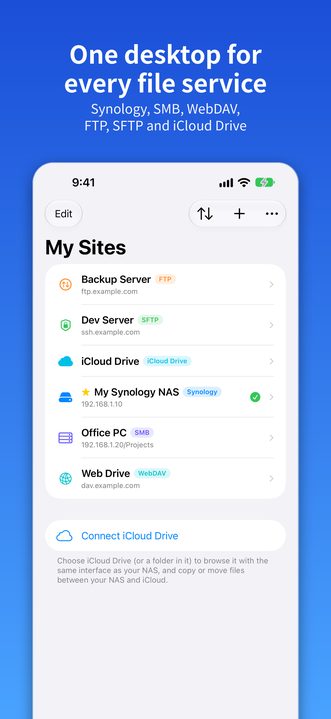
Sites are no longer grouped by type. They sit in a single list, each marked with a tag: Synology, SMB, WebDAV, FTP, SFTP or iCloud Drive.
Your sites, your order
Sort the site list by name or type, or drag sites into the order you like. Edit mode makes tidying up and removing easy.
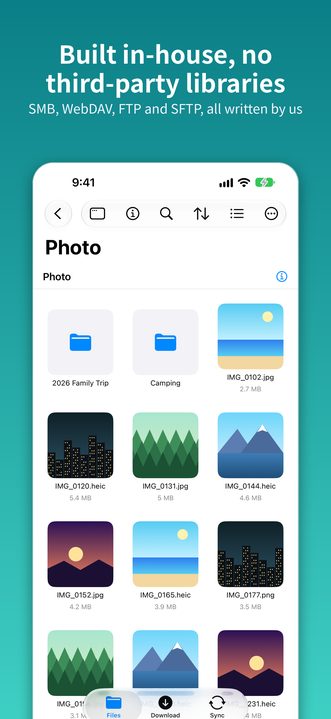
Protocols built in-house
SMB, WebDAV, FTP and SFTP are all implemented by us, with no third-party libraries. SFTP supports password and private-key sign-in and asks you to confirm the host key on first connection.
File management
Multi-select, cut / copy / paste, rename, delete, upload, download and new folders. List and grid views with thumbnails, plus file search, sorting and grouping.
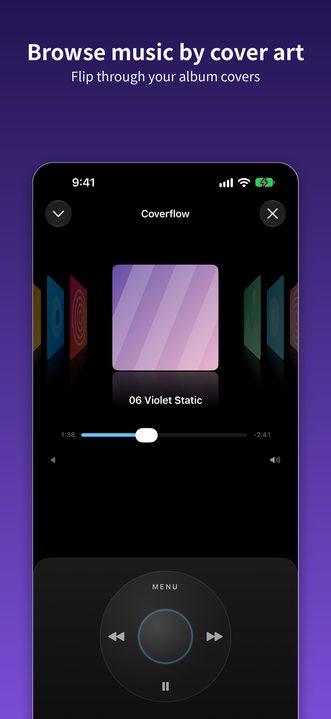
Video and music streaming
Tap a video to stream it without downloading first. Browse music by album cover and keep listening with the mini player while you browse.
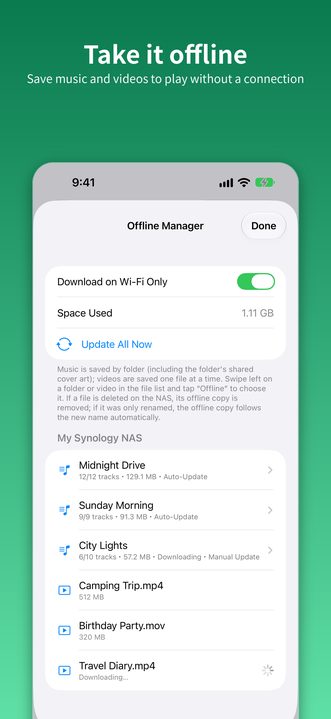
Offline manager
Save music folders and videos to your device and play them without a connection. You can limit downloads to Wi-Fi.
Synology extras
QuickConnect or IP / DDNS connection, the download center (Download Station) and Synology Drive / Cloud Station sync status.
Share extension
Tap Share in other apps to send a URL or a file straight to one of your sites.
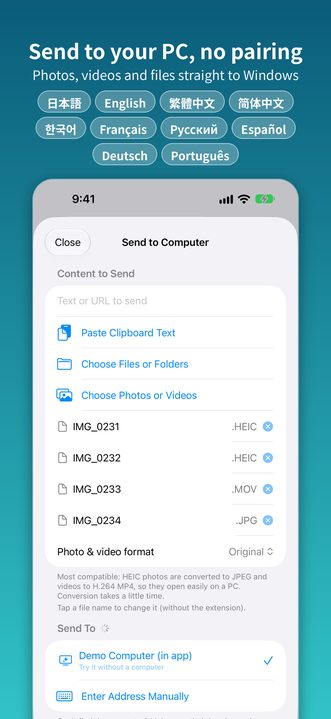
theirdrop
Send photos, videos and files from the share sheet straight to a Windows PC on the same network, with no pairing.
10 languages
English, Japanese, Traditional and Simplified Chinese, Korean, French, Russian, Spanish, German and Portuguese.
Your site list on every device
Your site list and quick-share settings sync to your other devices through your own iCloud account. Passwords stay in the device Keychain and are never synced through iCloud.
Works with
Synology NAS (DSM 6 and 7, QuickConnect, IP and DDNS), Windows shared folders, any NAS or server that offers SMB, WebDAV, FTP or SFTP (SSH), and iCloud Drive.