
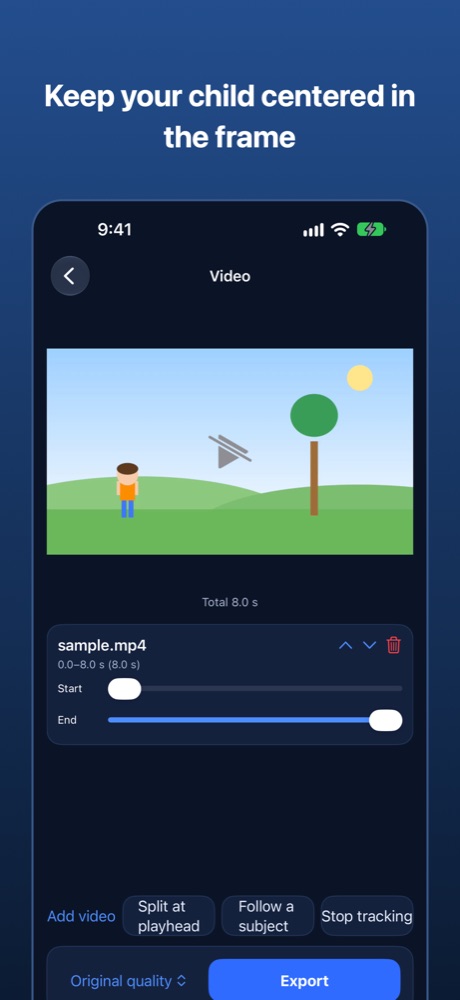
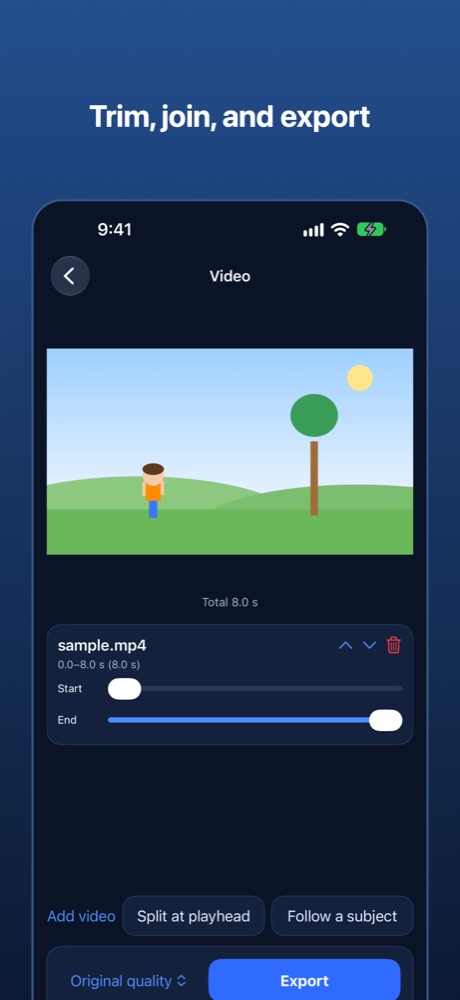
Video
Draw around the person or object you want to follow, and the app adjusts zoom and position to keep that subject as close to the center of the frame as possible. Made for filming children. It is not a shake-removal feature; it keeps your subject centered. You can also trim, join, and export at the quality you choose.
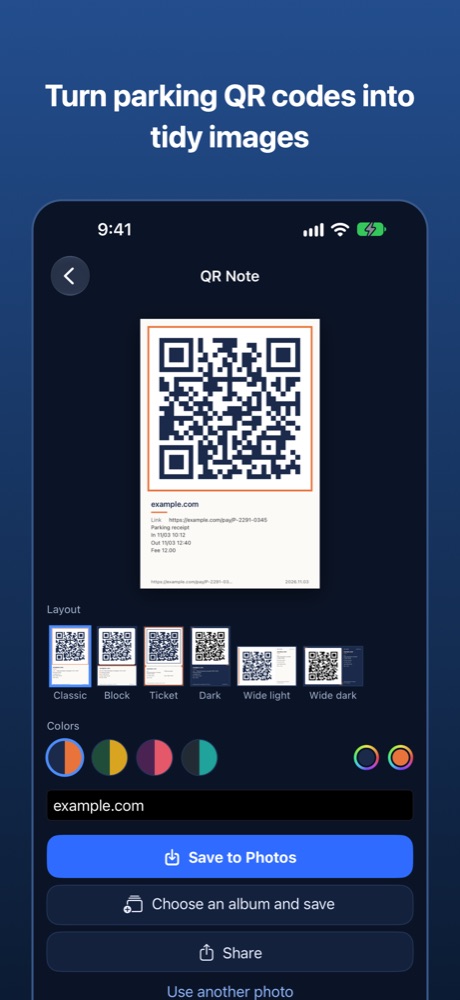
QR Note
Read the QR code on a parking payment slip or a ticket, from the camera or from a photo, and save it as a clear, tidy image. Choose from four portrait and two landscape layouts and several color schemes. Save straight into a photo album, or share right away.
Coupons
Capture QR codes and barcodes from store coupons and tickets using the camera, photos, files, or the share menu. They are grouped by store and sorted by expiry. When you use one, the screen brightens, and you can swipe left or right to move to the next coupon. A home-screen widget opens them quickly. Store logos are optional: a store name is sent out only if you turn on logo search.
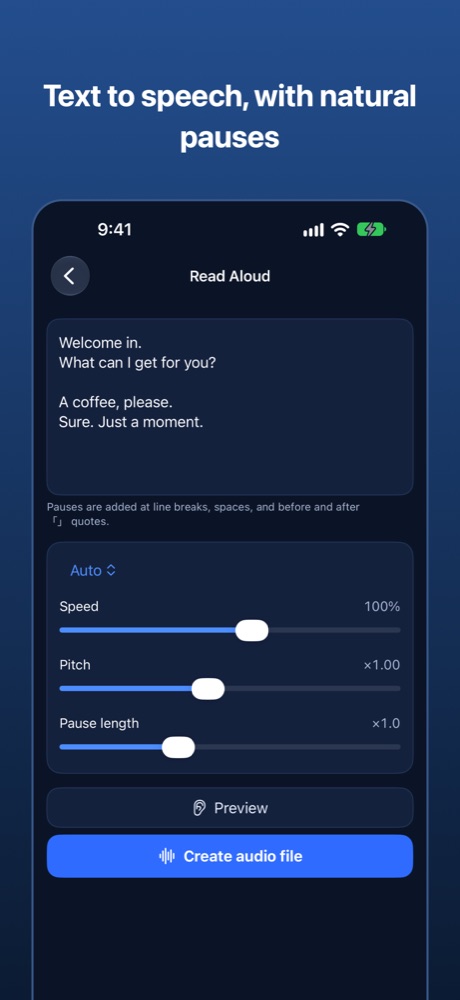
Read Aloud
Type some text and get a spoken audio file (m4a). Pauses of different lengths are added at line breaks, spaces, and around 「」 quotes, which makes it handy for conversation practice. Choose the language, voice, speed, pitch, and pause length. Keep a history of what you read aloud. On supported devices, on-device AI can polish the text, and you can translate it before reading.
Remote download
Send a link from your phone, and your computer, running the computer version of this app, downloads the file into a folder you choose. Pick the destination from your phone and follow the history and progress. You can also send links from the share menu.
3D scan (experimental)
On devices with LiDAR, capture rooms and objects as a 3D wireframe (experimental).
Private by design
Video, QR Note, and Read Aloud work entirely on your device, and no account is needed. A store name is sent out only if you turn on logo search. The display language follows your device and can also be switched inside the app.