
Relative cursor
Move the cursor with one finger, so your finger never hides the target. It snaps to vertices, edges, faces and circle centers, and on iPad you can also draw with Apple Pencil.
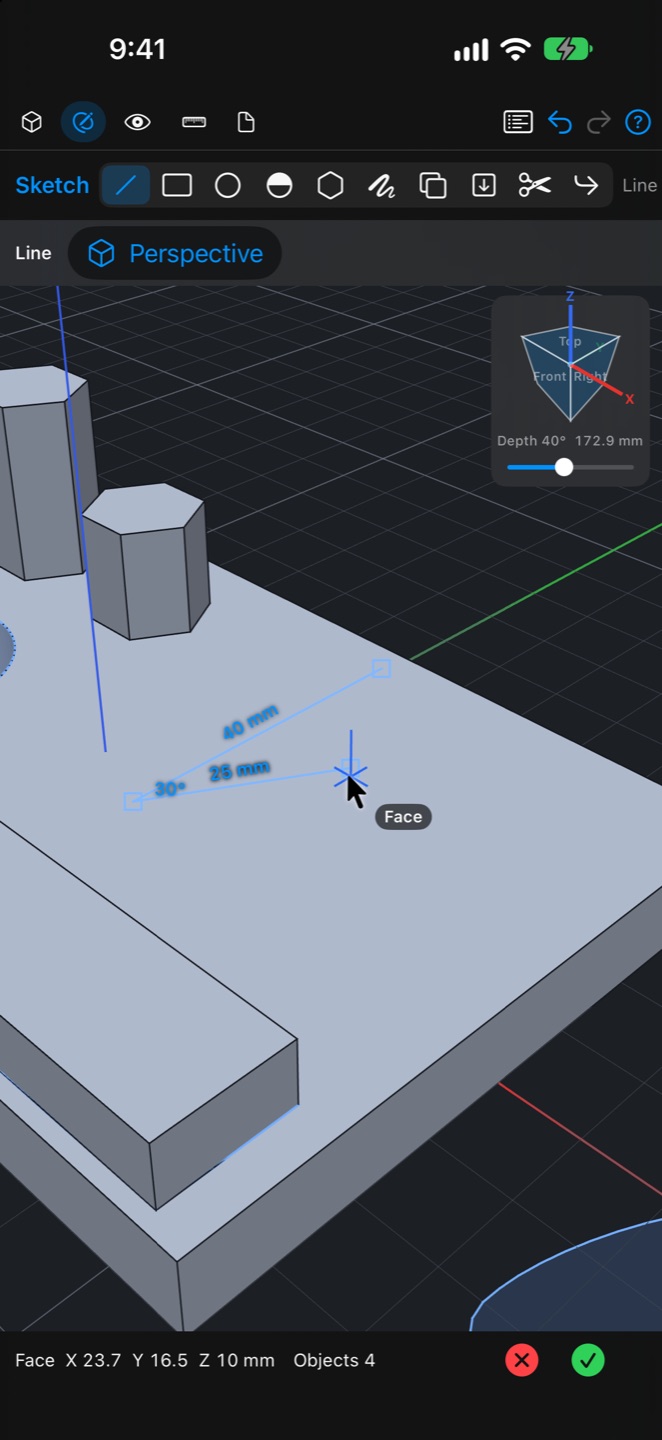
Sketch with dimensions
Draw with lines, rectangles, circles, arcs, polygons, the pen and text. Lengths appear along each line and joint angles inside each corner. Drag a circle up to snap the radius or down to snap the circumference. Offset, project, trim and corner tools are included.
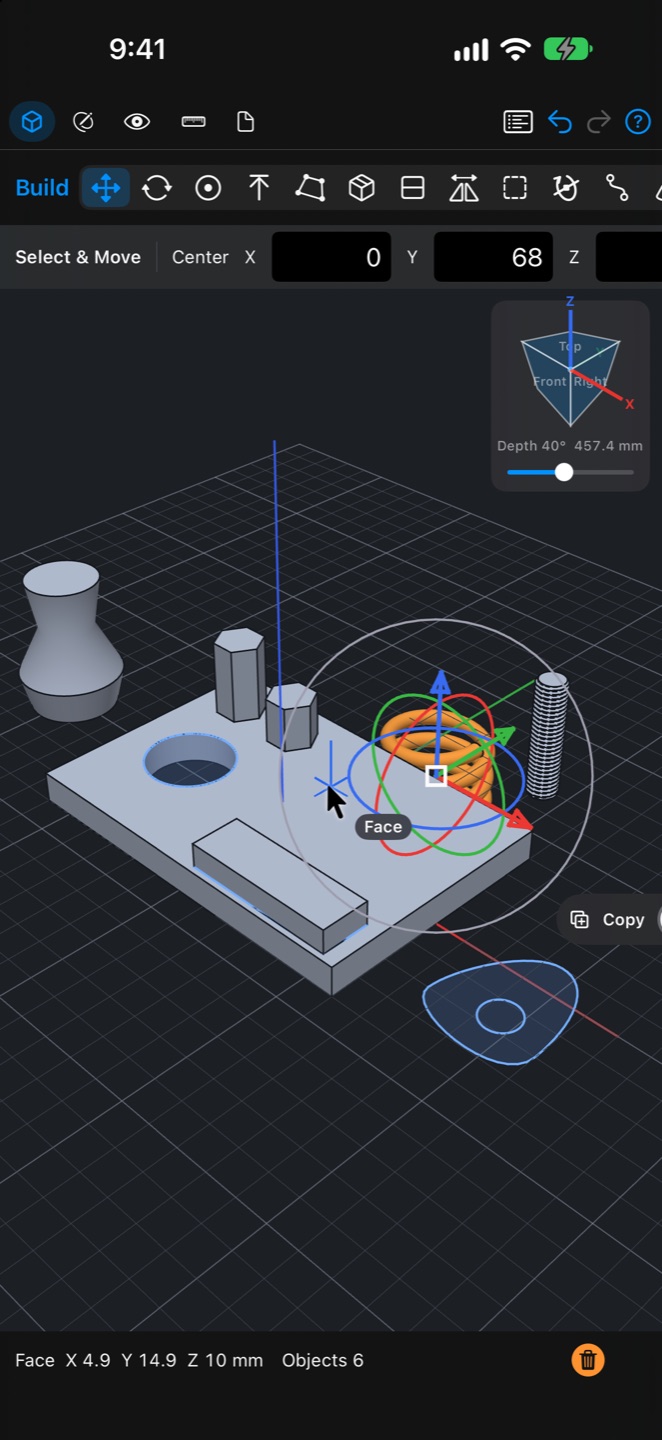
From extrusions to revolves and springs
Pull an enclosed region to make a solid, or push it in to cut a hole. Give a revolve a rise and a spread per turn to make springs and spirals. Sweeps, lofts, metric threaded holes and threaded rods are also available.
Move, rotate and scale handles
Selected items get XYZ arrows, three rotation arcs and a scale ring, with the amounts shown right on them. Drag the center to align it, or switch to copying instead of moving. Sketch lines and solids move together.
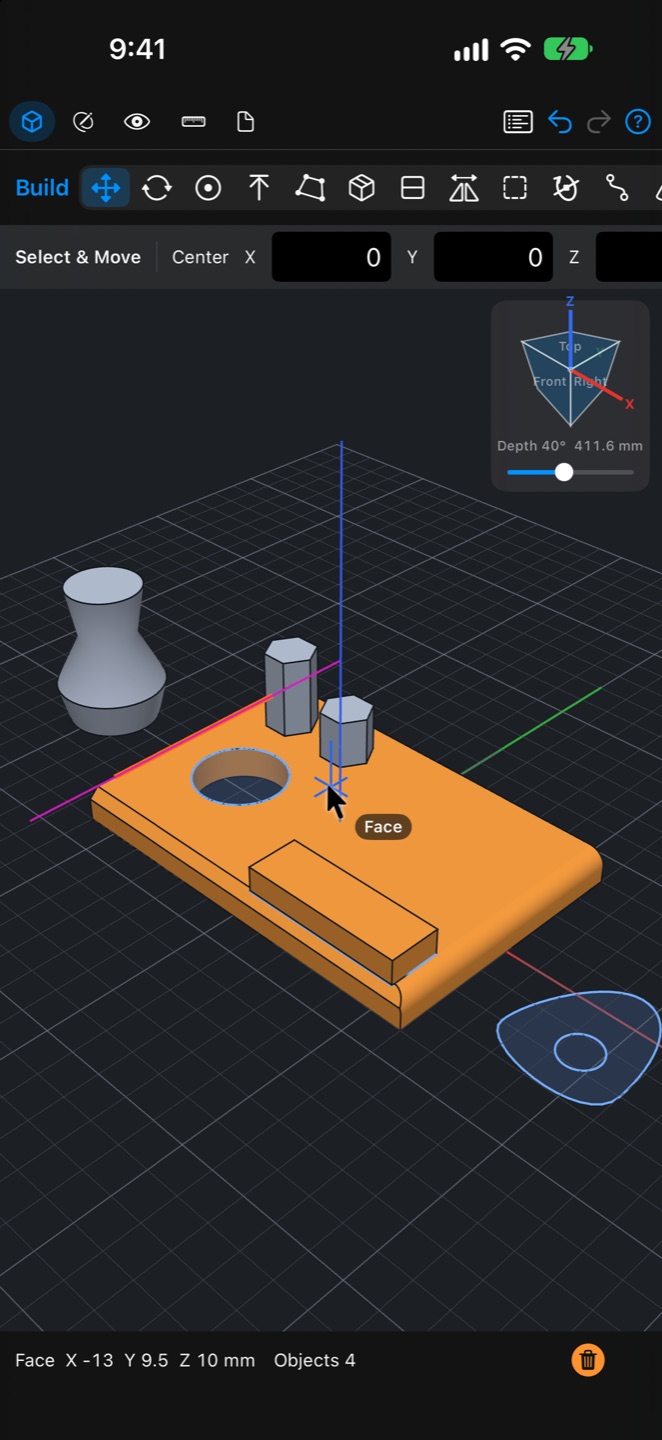
Fillets, chamfers, antimatter and patterns
Round or chamfer edges. Antimatter cuts away whatever it overlaps without destroying the original shape, so you can take it off later. Patterns repeat a shape for you.
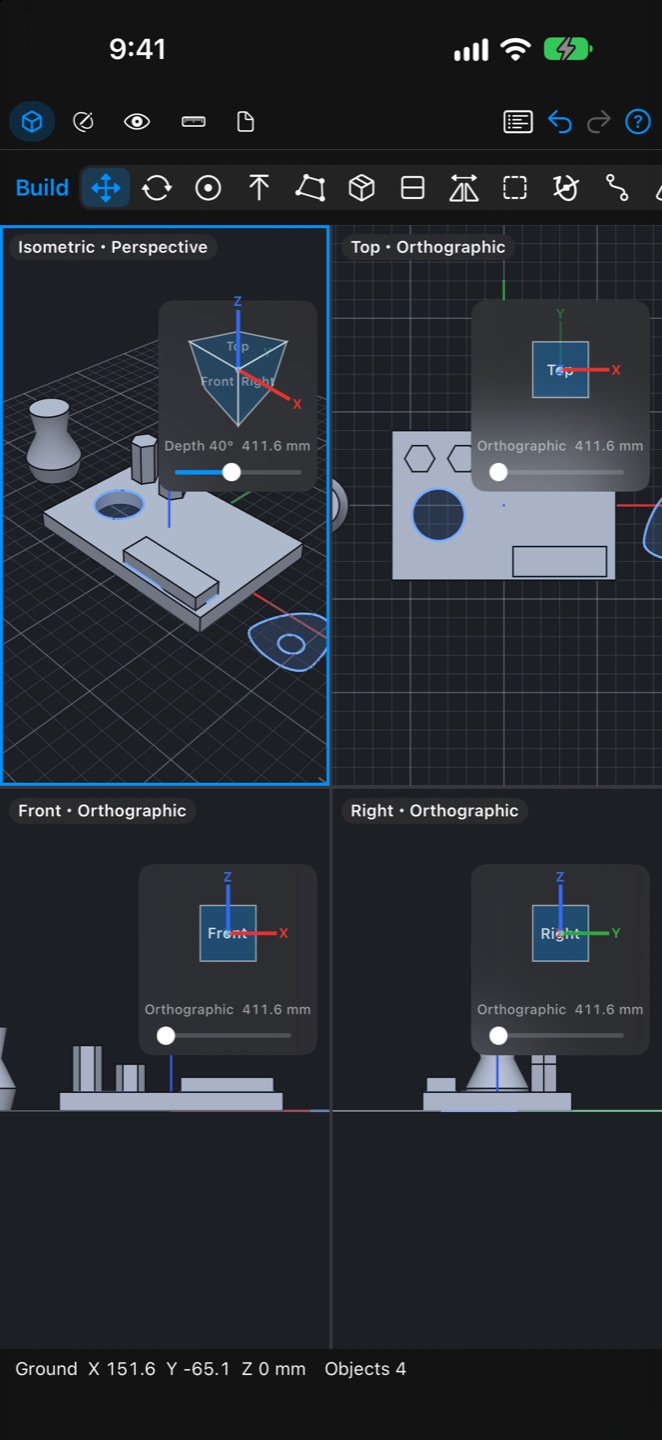
One, two or four views and a view cube
Split the screen and edit from several directions at once. The cube in the corner shows the direction; tap a face to look from it. One button cycles perspective, orthographic and front-locked views, and the field of view sets how strong the perspective is.
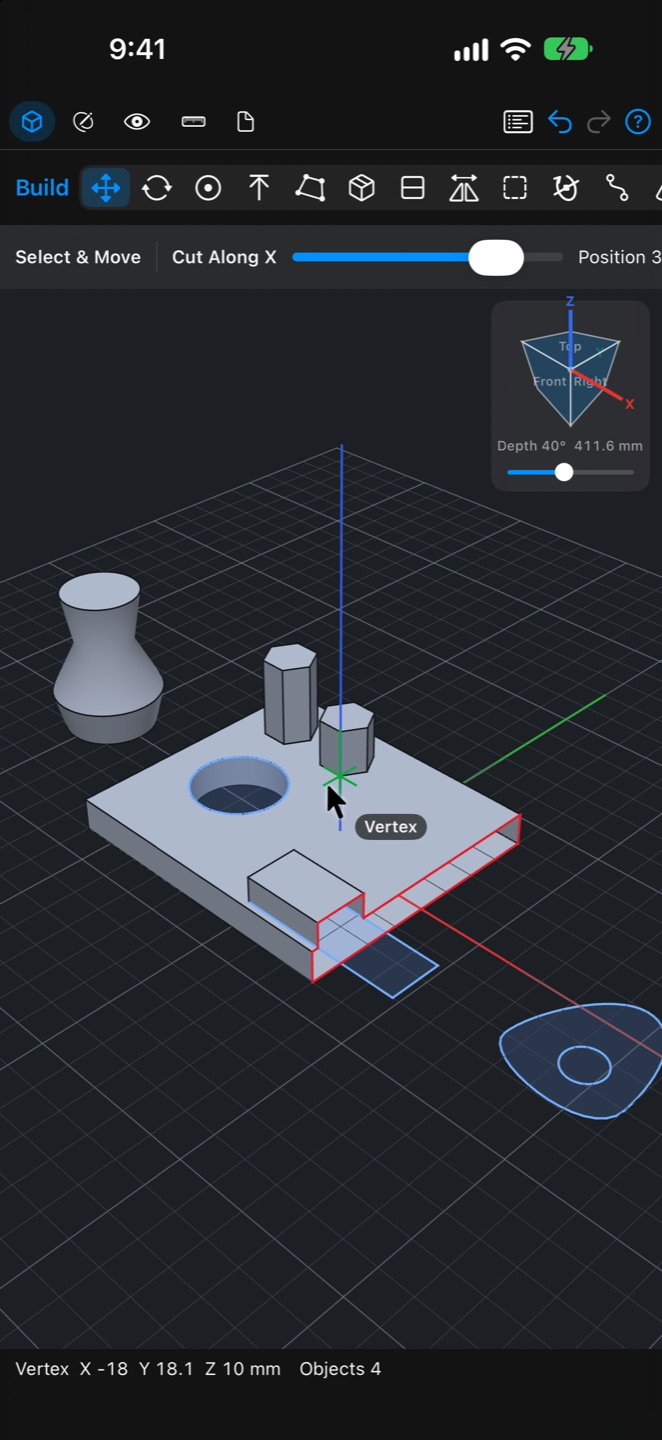
Live sections and drawings
Slide a section plane to look inside. Lay out front, top, side and isometric views on A4 and export them as PDF, SVG or DXF.
Imports stay editable
Read and write STEP, Parasolid X_T, STL, OBJ, 3MF, SVG and DXF. Imported solids are rebuilt as defined shapes such as boxes, extrusions, revolves and springs, so they are lighter than meshes and can be edited later.
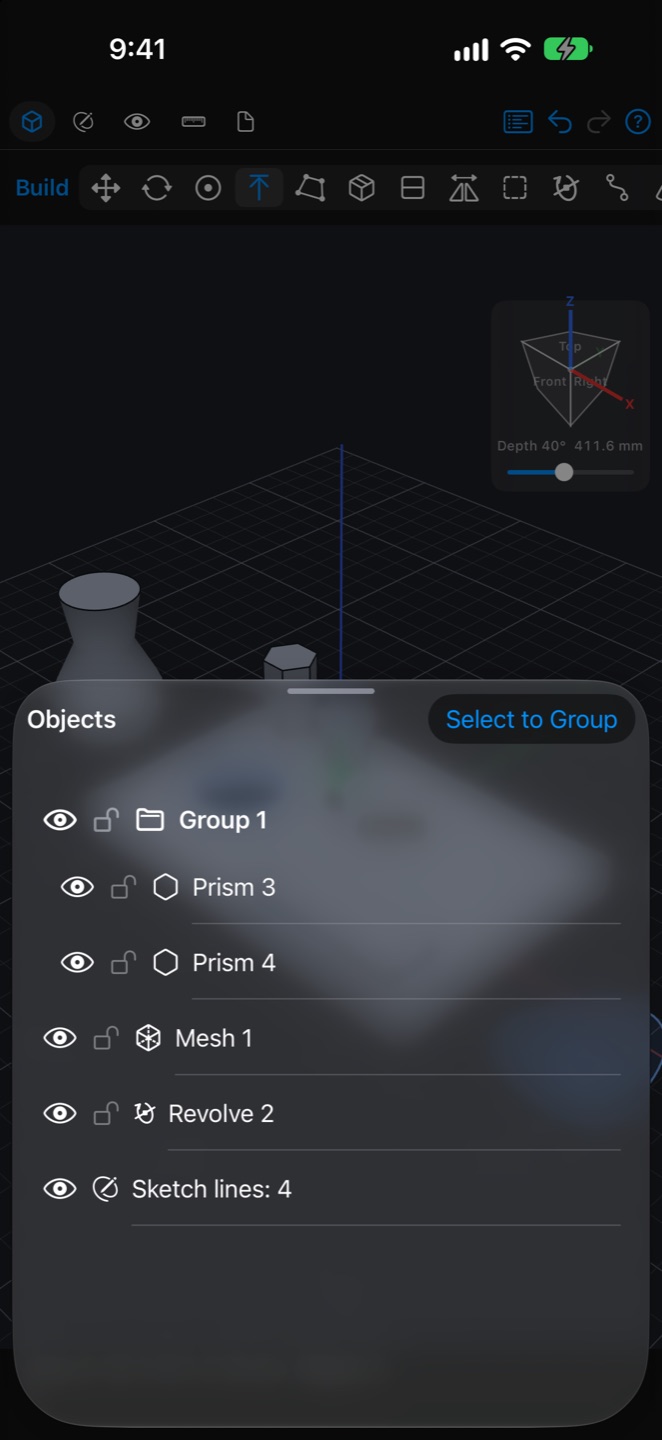
List, groups and locks
Group items in the object list and switch visibility or lock items so they cannot be selected. Save and open documents, in 10 languages.